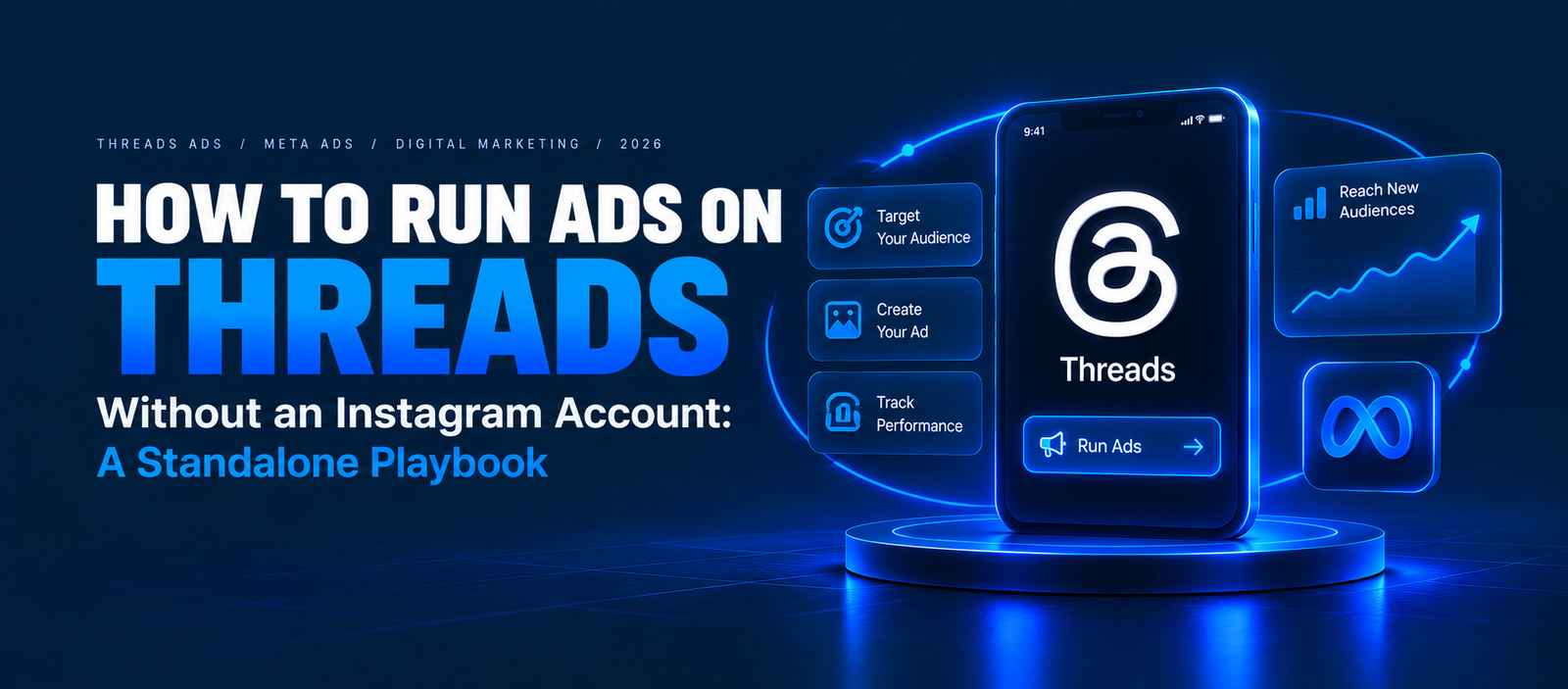
How to Run Ads on Threads Without an Instagram Account: A Standalone Playbook
Meta announced that, starting September 2026, Threads ads no longer need a matching Instagram username or any Instagram profile. This playbook covers access checks, setup, campaign structure and measurement. Rollout is gradual, so confirm your account has the change before you plan budgets.
For years, a brand with no Instagram presence simply could not advertise to Threads users. That gate is now open. If you want to know how to run ads on Threads without maintaining a second platform, this guide gives you the setup path, the campaign structure and the measurement habits to test it properly. For ongoing context on paid social, see our guide to Meta Ads strategy for small businesses.
1. What Changed: Threads Ads Go Standalone
Threads began as an extension of Instagram, and its ad system inherited that dependency. Advertisers had to keep their Instagram identity on Threads to launch ads. In September 2026, Meta removed that tie, which turns Threads from an add-on placement into a channel you can plan around on its own.
Can you run ads on Threads without an Instagram account?
Yes, with a caveat on availability. According to Meta's announcement, as reported by Social Media Today, matching usernames between Threads and Instagram are no longer required, and businesses without an Instagram profile can launch ads from their native Threads profile. Meta also said the change is rolling out gradually, so it may not yet be visible in every ad account.
Why the timing matters
Threads has scale. Meta reported more than 400 million monthly active users when it expanded Threads ads globally in January 2026, according to MediaNama. The pilot in 2025 launched at around 300 million monthly users, per Search Engine Land, so audience growth has been fast. Meta's own internal data, cited in the same report, said three out of four Threads users already follow at least one business.
Illustrative scenario (not a client result): a local bakery or a B2B consultancy that never built an Instagram following can now test paid reach on Threads without first creating and maintaining an Instagram profile.
Ready to test? Move to the setup steps in the next section.
Pro Tip: Do not assume access. Open your Meta Business Settings and Ads Manager first and confirm the Threads options appear in your account, because Meta says the rollout is gradual.
2. How to Run Ads on Threads: Step-by-Step Setup
Setup lives inside the tools you already use. Threads ads are managed in Meta Ads Manager and Meta Business Settings, so you do not need a separate ad platform. Menu labels change often, so treat the steps below as a checklist and verify each screen against Meta's current Business Help Center.
What you need before you start
- A Meta Business portfolio with access to Ads Manager
- A native Threads profile for the brand
- A payment method on the ad account
- Admin access to the Threads profile in your business portfolio
The 6-step setup process
- Check access. Confirm the standalone Threads option appears in your account. If it does not, the change has not reached you yet.
- Add your Threads account. In Meta Business Settings, add your Threads profile to your business portfolio and accept the terms. One industry report describes an "Add Threads account" button in this flow; confirm the exact label in your account.
- Create a campaign. In Ads Manager, pick the objective that matches your goal, such as traffic, leads or sales.
- Select the Threads placement. Enable the Threads feed placement at the ad set level. With Advantage+ placements, Threads is included automatically, so isolate it if you want clean data.
- Set audience and budget. Threads uses Meta's targeting stack, including custom audiences and lookalikes, per Metricool's 2026 guide.
- Publish and review. Submit the ad, then check delivery after the review completes.
Explore the full tracking workflow in our guide to Meta Ads conversion tracking setup.
Pro Tip: Existing ads keep running. Social Media Today and TechJuice both note that ads already in Meta Business Suite continue to deliver even if a Threads or Instagram username changes, so you can rename profiles without pausing campaigns.
3. Build a Threads-First Campaign Structure
A channel without an Instagram link needs its own plan. The way people use Threads is different from Instagram: it is conversational and text-led, so creative built for Instagram visuals may underperform. Treat Threads as a separate test with its own budget, audience notes and creative angle.
Threads vs Instagram: how to decide
| Factor | Threads ads | Instagram ads |
|---|---|---|
| Account requirement | Native Threads profile (after rollout) | Instagram business profile |
| Content style | Conversational, text-first | Visual-first, Reels and Stories |
| Best for | Opinion, news, B2B and community topics | Product visuals and lifestyle |
| Placement control | Feed placement inside Meta Ads Manager | Feed, Stories, Reels, Explore |
| Reporting | Placement breakdown in Ads Manager | Native placement reporting |
For a deeper comparison, read our breakdown of Instagram ads vs Threads ads.
Creative principles that fit the feed
- Lead with a sharp first line. The feed is text-driven.
- Sound like a person, not a brand brochure. Conversation beats polish.
- Match one offer to one idea. Keep each ad focused.
- Use clear calls to action that match your campaign objective.
Mini example: JumpFly's 2026 analysis suggests isolating Threads into its own campaign for clearer placement-level insight, which is a practical way to keep tests clean.
Want help planning creative? Our team can audit your current Meta account.
Pro Tip: Start with a small test budget, as Meta itself recommends starting small with Threads, per Metricool's 2026 guide. Scale only after you see stable results.
4. Measure, Optimize and Scale
Data decides whether Threads earns more budget. Threads results appear in Meta Ads Manager, but not always in default views, so you need to add a placement breakdown. Without that step, Threads performance can blend into your wider Meta numbers and hide what is working.
How do you track Threads ad performance?
Use the placement breakdown. In Ads Manager reporting, break results down by delivery and placement, then compare cost per result, click-through rate and conversions between Threads and your other placements. JumpFly confirms Threads results are available through the Placements breakdown.
What about cost claims?
Treat them carefully. Several third-party blogs claim Threads CPMs run well below Instagram or Facebook, with figures ranging from roughly 30% to 60% lower. These numbers are not verified by Meta and vary widely, so test in your own account. JumpFly also notes that some studies suggest Advantage+ placements can lower CPA by an average of 11.7%, but that is a general placement finding, not a Threads-specific guarantee.
A simple scaling rule
- Week 1-2: Run one Threads campaign with a small budget.
- Week 3: Compare results by placement.
- Week 4: Increase budget only on ads with stable results; pause the rest.
Keep your tracking clean with a proper Advantage+ placements explained review before widening spend.
Pro Tip: Check pixel and conversion events before launch. Placement data is only as reliable as the tracking behind it.
Summary
Meta's September 2026 change makes Threads a channel you can test on its own terms, without an Instagram profile and without matching usernames. The practical path is simple: confirm access, add your native Threads profile, build a small isolated test, and judge it with placement-level data. Because rollout is gradual and cost claims vary, disciplined testing matters more than hype.
Key Takeaways
- Meta says matching Threads and Instagram usernames are no longer required, and businesses without Instagram can advertise from a native Threads profile (Meta, via Social Media Today, 2026).
- The change is rolling out gradually, so not every advertiser has access yet (Social Media Today, 2026).
- Threads passed 400 million monthly active users as ads expanded globally in January 2026 (Meta, via MediaNama).
- Threads ads are managed inside Meta Ads Manager, and results can be viewed with the Placements breakdown (JumpFly, 2026).
- Third-party CPM savings claims vary from about 30% to 60% and are not Meta-verified, so test in your own account (third-party blogs, 2026).
- Existing ads continue to deliver if a username changes (TechJuice, 2026).
Ready to learn how to run ads on Threads the right way? Contact Cross Globe Marketing for a free Meta Ads account review.
Related services and guides
- Paid social advertising — Run paid campaigns across social platforms.
Quick Summary
How to run ads on Threads without Instagram: Meta announced in September 2026 that matching Threads and Instagram usernames are no longer required, and businesses without an Instagram profile can launch ads from a native Threads profile, with the rollout happening gradually. Advertisers set up the profile in Meta Business Settings, create a campaign in Meta Ads Manager, enable the Threads feed placement, and track results with the Placements breakdown. Threads has more than 400 million monthly active users, so a small, isolated test is the safest way to judge performance.