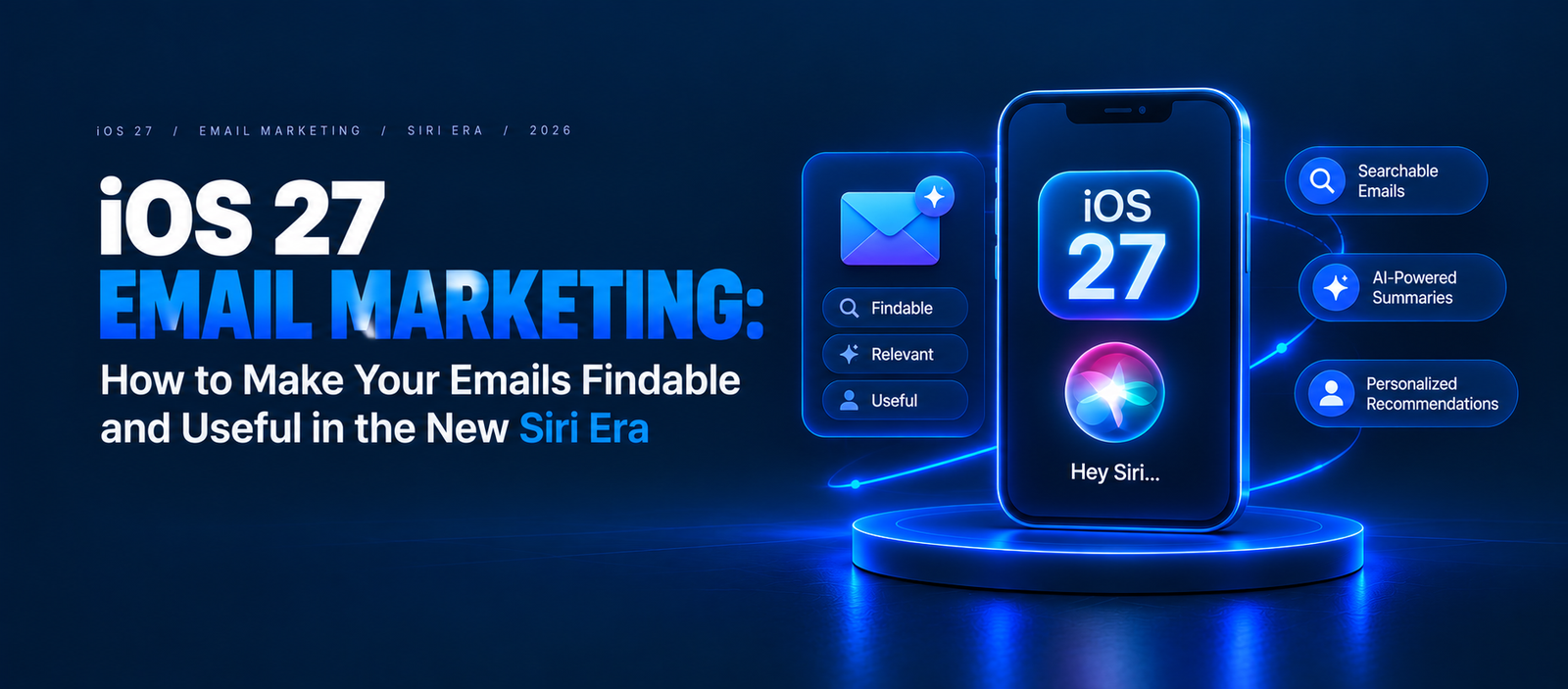
iOS 27 Email Marketing: How to Make Your Emails Findable and Useful in the New Siri Era
iOS 27 puts Siri AI inside Apple Mail, with relevance-based search and an Ask Siri tool for individual emails. Open rates remain unreliable, so success depends on clear, structured, plain-text-friendly content, trustworthy sending, and click or conversion tracking. Apple has not published ranking rules, so treat these tactics as informed testing, not guarantees.
Your best email may never be opened again. It may simply be asked about. Since Apple shipped iOS 27 on September 14, 2026, iPhone users with supported devices can long-press an email and ask Siri to summarize it, find a detail, or act on it. That changes iOS 27 email marketing from a battle for attention into a battle for clarity. Here is what changed, what is still unknown, and exactly what to do next.
1. What iOS 27 Actually Changes for Email Marketers
iOS 27 introduces Siri AI, an overhauled assistant that draws on personal context from Mail, Messages, and Photos, according to MacRumors. For marketers, the practical shift is that an assistant may interpret your message before, or instead of, a person reading every line. Apple's own claims about ranking are limited, so the sections below separate documented features from reasoned inference.
How Siri AI Works Inside Mail
According to MacRumors, users can long-press any email and ask Siri to summarize it, find an item, track a package, or retrieve a flight number. Siri can also complete tasks, such as deleting all emails from a specified sender or adding email information to Reminders. Mail search now ranks results by relevance and intent instead of keywords and recency.
Who Gets These Features?
Which iPhones support Siri AI? Search improvements run on every iPhone with iOS 27, but Siri AI, Write with Siri, and Contextual Suggestions require an Apple Intelligence-capable iPhone, per MacRumors. Macworld reports Apple Intelligence needs an iPhone 15 Pro or later. Siri AI was not available in the EU or China at launch, and Mail Suggestions are English-only, according to Gadget Hacks and iGeeksBlog.
Why Apple's Share Still Matters
Litmus data reported by TechCrunch put Apple Mail at 48.6% of email opens across iPhones, Macs, and iPads in June 2021. Those figures are old, so verify your own list. Example: after Apple Mail Privacy Protection launched, Omeda reported its unique open rate rose from 15.2% to 19.1%, while click rates were not affected.
Pro Tip: Export your ESP's email-client report and calculate your Apple share today. That single number tells you how exposed your campaigns are to iOS 27 behavior.
Want an Apple-share audit of your list? Cross Globe Marketing's email team can run it for you.
2. iOS 27 Email Marketing: How Siri AI Finds Your Messages
Apple has not published how Siri AI ranks marketing emails, so any tactic here is an informed hypothesis, not a rule. What is documented is that search now weighs meaning and that Siri can pull specific facts from a single message. Those two behaviors point to one principle: emails that are easy to interpret are easier to surface and use.
What Does Semantic Search Reward?
What does relevance-and-intent search favor? Apple has not said, but reasoned inference suggests the following:
- A single, clearly stated topic per email.
- Consistent sender names and recognizable brand wording.
- Subject lines that describe the content instead of teasing it.
- Key terms the subscriber would actually search, such as "invoice," "order," or "renewal."
What Can Siri Do With One Email?
What can Ask Siri extract? Per MacRumors, Siri can summarize, locate items, track packages, and surface flight numbers. Illustrative scenario (hypothetical): a subscriber asks Siri for the delivery date in a shipping email. If that date sits inside an image, Siri may have nothing reliable to read. If it sits in plain text, the answer is immediate.
Pro Tip: Treat every email as a document an assistant will quote. If a fact matters, state it once, in plain text, near the top.
Need an email template audit? Cross Globe Marketing can review your top five flows for Siri readiness.
3. How to Format Emails for Siri AI: A Step-by-Step Playbook
Formatting is the part of iOS 27 email marketing you control completely. The goal is not to trick an algorithm, but to make each message unambiguous for both an assistant and a busy human. Pair these steps with your best email marketing strategies so formatting supports, rather than replaces, strong offers.
The 6-Step Process
- Write a descriptive subject line. Name the topic and benefit in under 60 characters.
- State the key fact first. Put the date, price, deadline, or action in the first two lines.
- Use real text, not images. Dates, codes, and order details must be selectable text.
- Keep one primary call to action. One clear link reduces summary ambiguity.
- Add scannable structure. Short headings and bullets help summaries stay accurate.
- Test with clicks. Compare variants by click-through and conversion, not opens.
Old Approach vs iOS 27 Approach
| Element | Old Approach | iOS 27 Approach |
|---|---|---|
| Subject line | Curiosity teaser | Descriptive and searchable |
| Key details | Inside a hero image | Plain text near the top |
| Success metric | Open rate | Clicks, replies, conversions |
| Email scope | Many offers per send | One topic per email |
Why Plain Text Wins Under Summarization
If Siri summarizes your message, the summary can only be as accurate as the source text. Content buried in graphics or vague copy invites a weak summary. Example: Apple's Mail features, per MacRumors, include extracting details like flight numbers, which only works when those details exist as readable text.
Pro Tip: Send yourself every template to an Apple Mail account and use Ask Siri on it. If the answer is wrong, rewrite the email.
Ready to redesign your templates? Cross Globe Marketing can build Siri-ready layouts.
4. Measuring Results When Opens Lie and Siri Reads for Your Customer
Open rates were already compromised before iOS 27, and nothing we reviewed suggests the new features fix that. Apple Mail Privacy Protection prefetches tracking pixels, which can record opens that no human made. Your measurement stack should assume Apple opens are noisy and decide on cleaner signals.
Which Metrics Still Hold Up?
SparkPost, cited by MediaPost, estimated that 40-50% of all email could end up prefetched by Apple. Litmus data reported by MediaPost showed MPP at 40.6% of opens by December 2021. Build your reporting around email marketing KPIs beyond open rate: click-through rate, conversion rate, reply rate, revenue per email, and complaint rate. GetResponse also advises moving engagement segments from opens to clicks.
Fix Open-Based Automations
Any trigger that fires on "opened" can misfire. Rebuild logic using clicks, site visits, or purchases inside your email marketing automation workflows, and remove send-time optimization that depends on open timestamps unless your ESP excludes prefetched opens.
Protect Deliverability and Trust
An assistant that summarizes or deletes by sender rewards brands people actually want. Follow email deliverability best practices: authenticate your domain, prune unengaged contacts using clicks, and make unsubscribing easy. Per MacRumors, Siri can delete all emails from a specified sender, so poor relevance now carries a direct cost.
Pro Tip: Never prune a list on open data alone. Combine clicks, purchases, and site activity before removing contacts.
Need a measurement reset? Cross Globe Marketing can rebuild your email reporting around clicks and revenue.
Summary
iOS 27 email marketing rewards the same fundamentals that always worked, but it punishes the shortcuts. Siri AI reads, summarizes, and acts on individual emails, search now follows intent, and open rates remain distorted by Apple privacy features. The winning approach is clear text, one topic per email, honest list hygiene, and measurement based on clicks and revenue.
Key Takeaways
- Siri AI lets users ask about, summarize, and act on single emails (MacRumors, iOS 27 Mail guide).
- Mail search now ranks by relevance and intent, not keywords and recency (MacRumors).
- Apple Mail held 48.6% of email opens in June 2021, so verify your current share (Litmus via TechCrunch).
- After MPP, Omeda reported unique opens rising from 15.2% to 19.1% while clicks held steady (Omeda).
- Siri AI was unavailable in the EU and China at launch, so segment by region (Gadget Hacks, iGeeksBlog).
- Apple has not published email ranking rules, so test every change against clicks and conversions.
Book a free email audit with Cross Globe Marketing and make your iOS 27 email marketing findable, useful, and measurable.
Quick Summary
iOS 27 email marketing now means writing for both people and Siri AI, which can summarize individual emails, search by relevance and intent, and act on messages in Apple Mail. Because Apple Mail Privacy Protection still distorts open rates, marketers should lead with plain-text key facts, use one topic per email, and measure clicks, conversions, and revenue. Apple has not published ranking rules, so every tactic should be tested.