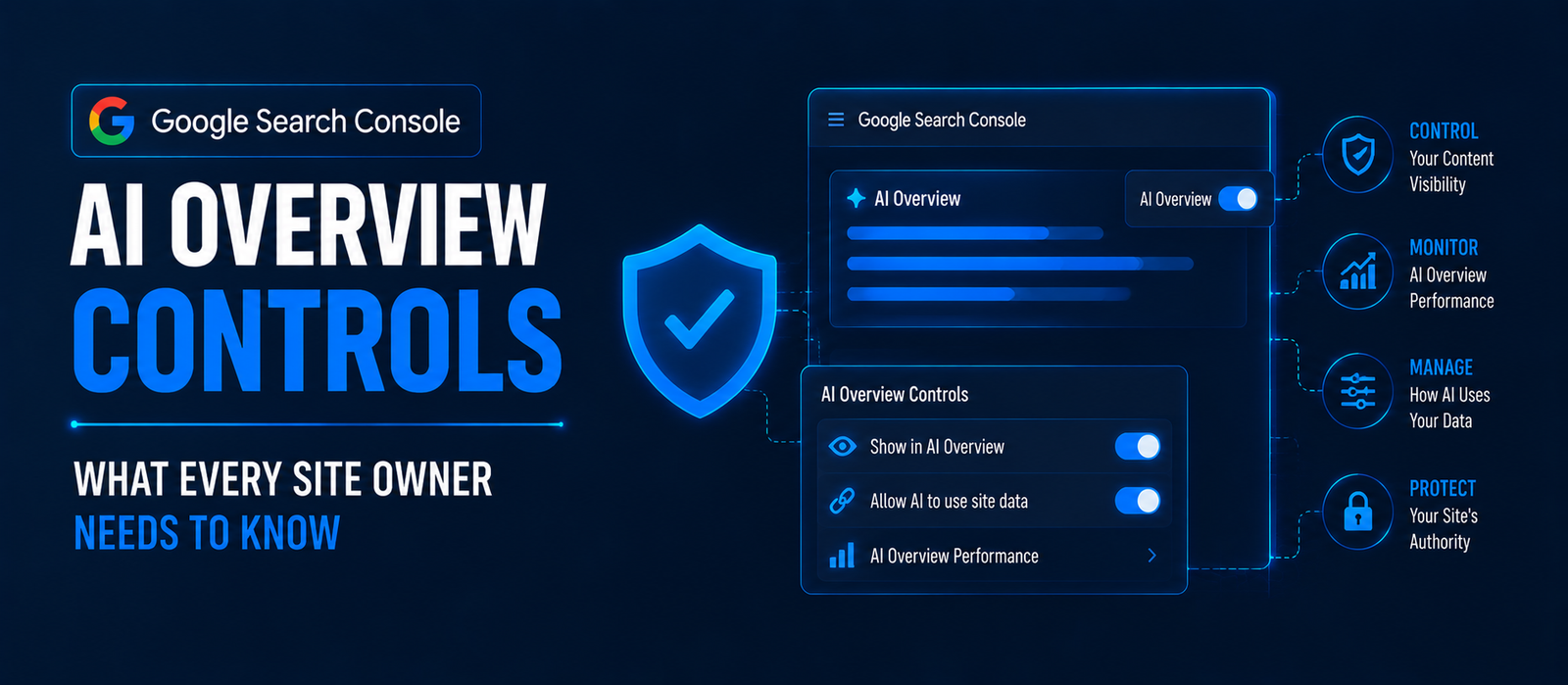
Google added a dedicated opt-out toggle for AI Overviews and AI Mode inside Search Console, under Settings > "Search generative AI." It became enforceable on June 17, 2026. Opting out stops your content from feeding AI Overviews, AI Mode, and generative results in Discover — but not the Gemini app — and Google says it isn't used as a ranking signal in normal Search.
For most of the AI Overviews era, publishers had one option: let Google summarize their content or don't show up at all. That changed this year. Google Search Console now ships a real AI Overview control — a setting that lets you decide whether your pages can be pulled into AI Overviews and AI Mode, plus a new report that shows how often that's already happening. If you manage a website and haven't looked at either yet, here's exactly what changed and how to think about it.
1. What the AI Overview Opt-Out Setting Actually Is
The control sits inside Google Search Console under Settings > Search generative AI. It's a simple toggle: leave your content eligible for AI-generated surfaces, or opt it out. Google is rolling this out gradually across accounts, so if you don't see it in your property yet, that's expected rather than a bug on your end.
Why This Setting Exists Now
Pressure for a real opt-out had been building for a while, including from UK regulators pushing Google to give publishers a way to stay in standard Search results without being forced into AI summarization. Google's response was this dedicated toggle rather than relying on older signals like the nosnippet meta tag, which controlled snippets in classic search but was never a clean fit for AI Overviews specifically.
What Happens When You Flip It
Once you opt out and changes propagate — Google says this takes one to two days — your pages stop being used as source material for AI Overviews, AI Mode answers, and the generative AI features inside Discover. Your standard blue-link rankings and your presence in the normal Discover feed are not affected.
Pro Tip: The toggle is a site-wide (property-level) setting, not a per-page control. Decide based on your whole site's traffic model, not just one article you're worried about.
2. What Opting Out Covers — and What It Doesn't
This is the part most write-ups get vague on, so here's the precise scope based on Google's own rollout details.
Covered by the opt-out
- AI Overviews — the AI-generated summary blocks that appear above traditional results.
- AI Mode — Google's fully conversational search experience.
- Generative AI in Discover — AI-assisted summaries surfaced inside the Discover feed.
Not covered by the opt-out
- The Gemini app. Google has been explicit that opting out of AI Overviews does not remove your content from being referenced inside Gemini — it's treated as a separate product surface with its own rules.
- Standard organic Search rankings. Your normal position in classic search results is unaffected either way.
- The regular Discover feed. Only the generative/AI-summarized version of Discover is in scope.
Pro Tip: If your real concern is a specific AI product (say, Gemini surfacing your proprietary data), this Search Console toggle alone won't solve it — that requires a separate conversation about crawler access and licensing, not this setting.
3. The New Generative AI Performance Report
Alongside the opt-out toggle, Google Search Console also launched a standalone Search Generative AI performance report. This is the piece most site owners should check first, because it tells you how much of your current visibility already comes from AI surfaces before you decide whether to switch anything off.
What the Report Shows
| Data point | Included? |
|---|---|
| Impressions | Yes |
| Pages | Yes |
| Countries | Yes |
| Devices | Yes |
| Date-range comparison | Yes |
| Clicks | Not yet |
| CTR | Not yet |
| Query-level data | Not yet |
Notice what's missing: clicks and CTR aren't in the report yet, so you can see how often you're being surfaced inside AI Overviews and AI Mode, but not how that traffic converts to visits. Google has said more metrics are planned, without a firm date.
Data Availability
The report only shows data starting May 18, 2026 — there's no historical backfill before that date. The rollout began in the UK first, with global expansion planned but not yet scheduled at the time of writing.
Pro Tip: Pull this report before touching the opt-out toggle. If AI surfaces already account for a meaningful share of your impressions, opting out is a bigger decision than it looks on paper — you'd be walking away from visibility you can currently measure, even without click data attached to it yet.
4. Should You Actually Opt Out?
There's no universal right answer here — it depends on what your site earns from a search result.
The Case for Opting Out
If your business model depends on the click — ad-supported content, affiliate links, on-site conversions that require a visit — and AI Overviews are summarizing your answer well enough that users never click through, you're arguably losing traffic to your own source material. Opting out forces Google back to sending users to your page for that information.
The Case for Staying In
If being cited as a source inside an AI answer carries brand value on its own — which is the entire premise behind GEO and AEO strategy — opting out removes you from a growing share of how people research before they ever type a traditional query. For many service businesses, being the brand an AI Overview quotes by name is still worth more than a click that might not have converted anyway. This is the same tension we cover in our zero-click content strategy playbook.
A Practical Way to Decide
- Check your Search Generative AI performance report to see current AI-surface impressions by page.
- Cross-reference against your monetization model — ad revenue and affiliate pages weigh differently than lead-gen or brand-awareness content.
- Test on a low-risk section first if your Search Console access allows page-level judgment calls before committing the whole property.
- Re-check the report monthly once Google adds click and query data, since that will make this a far more precise decision than it is today.
Pro Tip: Don't decide once and forget it. Revisit this setting every quarter — the report is missing click data today, but once Google adds it, the same decision could look completely different with real conversion numbers behind it.
5. How to Check and Change the Setting
Step-by-Step
- Sign in to Google Search Console and select the property you want to check.
- Open Settings from the left-hand menu.
- Look for the Search generative AI section. If it isn't there yet, Google hasn't rolled it out to your property.
- Review the current status, then toggle it if you want to opt out.
- Allow one to two days for the change to propagate before assuming it hasn't worked.
- Separately, open the new Search Generative AI performance report to review impressions from AI Overviews, AI Mode, and Discover before or after your decision.
Pro Tip: If the setting isn't visible in your property yet, don't assume it's broken — check back weekly rather than repeatedly reloading Settings, since Google is rolling it out gradually rather than all at once.
Key Takeaways
- The AI Overview opt-out lives in Search Console under Settings > "Search generative AI," rolling out gradually to accounts.
- It covers AI Overviews, AI Mode, and generative AI in Discover — not the Gemini app, and not standard Search rankings.
- Google states the setting is not used as a ranking signal in normal Search results.
- The setting became enforceable June 17, 2026, with one to two days of propagation time.
- A separate Search Generative AI performance report (launched June 3, 2026) shows impressions, pages, countries, and devices for AI surfaces, but not yet clicks, CTR, or queries.
- Report data only goes back to May 18, 2026; the rollout started in the UK with global expansion planned but undated.
Not sure whether opting out helps or hurts your specific traffic mix? Talk to Cross Globe Marketing about reading your Search Generative AI performance data correctly before you flip anything.
Quick Summary
Google Search Console AI Overview Controls let site owners opt out of AI Overviews, AI Mode, and generative AI in Discover from Settings > "Search generative AI" — but not out of the Gemini app, and not out of standard Search rankings, which Google says the setting does not affect. A separate Search Generative AI performance report, live since June 3, 2026, shows impressions, pages, countries, and devices for AI surfaces, though clicks and query data aren't included yet. The opt-out became enforceable June 17, 2026, with one to two days of propagation, so check your current AI-surface impressions before deciding whether opting out helps or costs you visibility.